
How to Automate Fuel Reporting Without Blind Spots
A fuel report that arrives days after the fuel has been dispensed cannot prevent a loss, explain an unexpected variance, or stop an unauthorised user from returning to the pump. It can only document the problem after the fact. To automate fuel reporting properly, fleets need to capture the transaction at the point of dispense, tie it to a verified person and asset, and make the record available immediately.
That changes fuel reporting from an administrative chore into an operating control. For fleet managers, finance teams and maintenance leaders, the goal is not simply fewer spreadsheets. It is clear accountability for every litre, across fixed tanks, depots and mobile fuelling units.
Why manual fuel reporting creates costly gaps
Many operations still rely on handwritten logs, paper tickets, shared keys, PINs that are never changed, and monthly reconciliation. Each step creates an opportunity for a missing detail or a disputed transaction. The person filling in the log may be busy, working in poor weather or recording information at the end of a shift. Even conscientious staff can enter the wrong vehicle, odometer reading or quantity.
The bigger issue is timing. When transactions are entered later, a fleet may not see an inventory discrepancy until its next delivery or month-end review. By then, it is difficult to identify whether the cause was a meter issue, an incorrect entry, unauthorised dispensing, fuel transferred to the wrong asset, or a genuine change in usage.
Manual reporting also makes multi-site control harder. A manager responsible for several yards or mobile fuel bowsers may receive reports in different formats and on different schedules. Comparing fuel issued, tank inventory and fleet consumption becomes a time-consuming exercise rather than a reliable routine.
What it means to automate fuel reporting
Automated reporting is not just exporting a digital spreadsheet. A useful system creates a reliable record automatically when fuel is dispensed, rather than asking someone to recreate that event later.
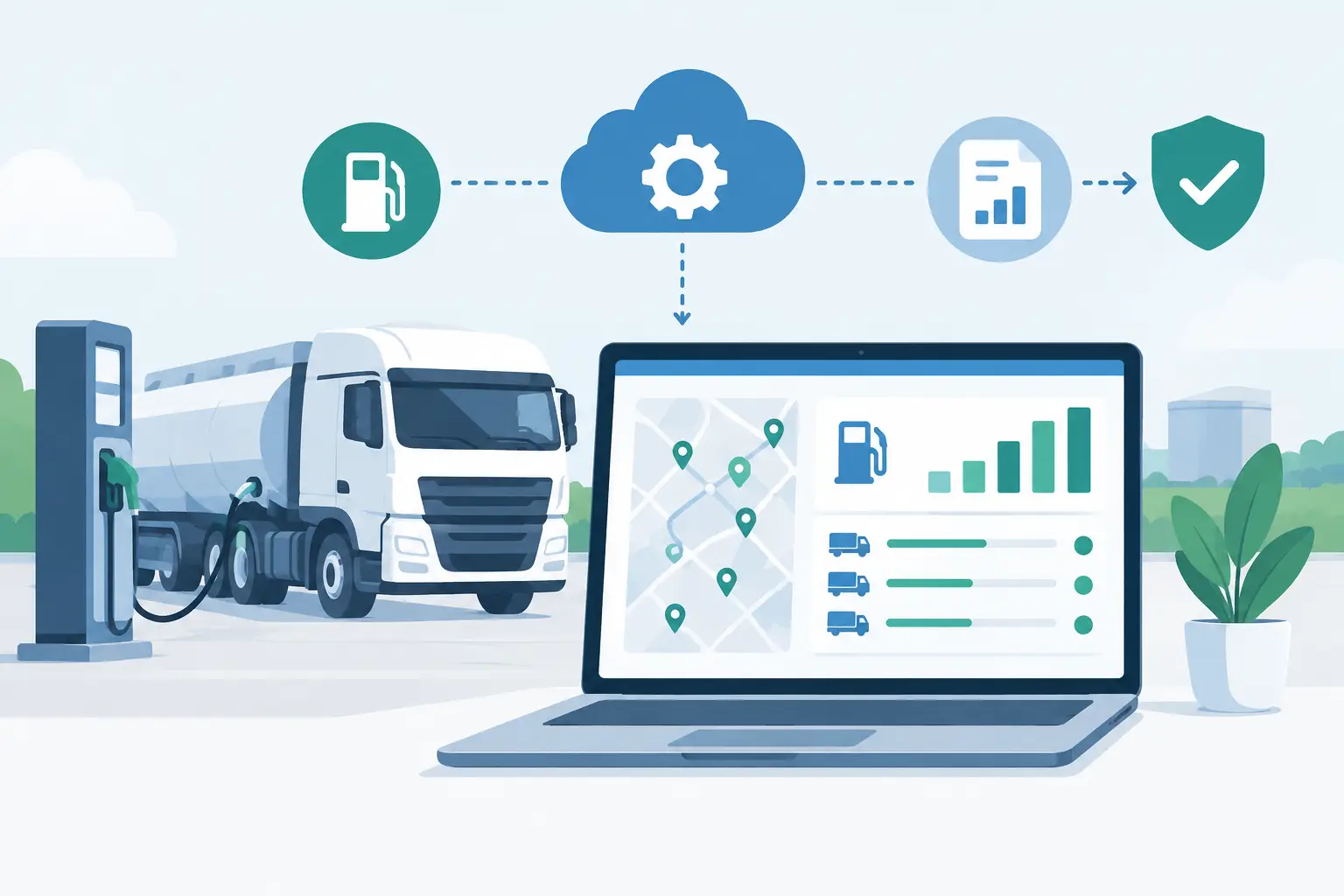
At minimum, each transaction should capture the date and time, location, pump or tank, fuel type, volume, authorised user and vehicle or equipment identifier. Depending on the operation, it can also record odometer or hour-meter information, job reference details and tank levels. That information should flow to a central cloud dashboard where authorised managers can view it, filter it and export it for reconciliation.
The strongest approach starts with access control. If anyone can activate the pump with a shared key or generic code, reporting will always have an accountability gap. Secure mobile authorisation links the dispense to an individual user before the pump is enabled. If that person should no longer have access, permissions can be removed immediately rather than waiting to collect keys or change locks.
This matters for both fixed and mobile operations. A depot tank needs the same level of control as a mobile fuelling unit serving equipment in the field. One standard for authorisation and transaction logging makes it easier to govern every location without building a separate reporting process for each one.
How to automate fuel reporting in five operational steps
1. Define the questions your report must answer
Before selecting fields or dashboards, decide what your team needs to know at the start of each day and at month end. Most fleets need to answer who dispensed fuel, what asset received it, how much was issued, where it happened and whether the transaction was authorised.
Finance may also need fuel issued by cost centre, project or location. Maintenance teams may want litres per operating hour or distance travelled to spot equipment that is consuming more than expected. Operations leaders often need a clear comparison between purchased fuel, book inventory and fuel dispensed.
Avoid collecting data merely because it is available. Too many compulsory fields can slow down drivers and encourage poor-quality entries. Capture the details that support a decision, investigation or reconciliation.
2. Make authorisation part of the dispense event
The most dependable data is created automatically. Require users to authenticate before a pump can run, then associate the dispense with their approved profile. A smartphone-based system is particularly practical because users already carry the device needed to request access, and administrators can manage permissions centrally.
Authorisation should reflect real operating needs. A driver may be able to dispense diesel to assigned vehicles, while a maintenance technician may need access to other fluids or equipment. Contractors, seasonal staff and departing employees require carefully limited access. The ability to grant and revoke permissions instantly reduces exposure without delaying work.
3. Standardise vehicle and equipment identification
A report is only as useful as the asset data attached to it. Create a consistent naming convention for lorries, plant, generators and other equipment. If one record says “Unit 12”, another says “Lorry 12”, and a third says “12”, consumption analysis becomes unnecessarily messy.
Where possible, select assets from a controlled list rather than relying on free-text entry. For a mixed fleet, separate road vehicles from plant and mobile equipment so that kilometres, engine hours and fuel-use expectations are not blended into one misleading average.
4. Set practical exception rules
Automation should direct attention to transactions that deserve a closer look. Set alerts or review rules for unusually large dispenses, repeated fuelling in a short period, out-of-hours activity, a vehicle missing required meter information, or a tank variance beyond an agreed threshold.
An exception is not proof of wrongdoing. A large dispense may be legitimate before a long route, and a late-night transaction may support an emergency response. The value is that the event is visible while the context is still easy to confirm. This protects honest staff as much as it protects fuel inventory.
5. Reconcile on a routine, not at the end of a crisis
Automated dispense records should be compared regularly with delivery tickets, tank readings and expected inventory. The right schedule depends on volume and risk. A busy depot may review daily, while a lower-volume site may work to a weekly cycle. High-value mobile fuel operations may need more frequent checks because inventory is moving between locations.
The calculation itself is straightforward: opening stock plus deliveries, less recorded dispenses, should align with closing stock after allowing for reasonable measurement variation. What matters is investigating a meaningful variance promptly and documenting the result. A repeatable process produces a defensible audit trail.
Reporting views that drive action
A single monthly total does not tell a fleet manager where control is slipping. Reporting should be organised around decisions. Daily transaction activity gives supervisors a quick record of who used which pump and asset. Inventory reports show stock movement and support delivery planning. Consumption by vehicle or equipment highlights assets that may need inspection, while user activity reports show whether access permissions match current responsibilities.
For senior management, a multi-site view is often the most valuable. It makes it possible to compare fuel issued by location, identify unusual patterns and see which sites are consistently carrying unexplained variance. Standardised data also shortens the path from operations to finance, because both teams are working from the same transaction record.
There is a trade-off. More dashboards do not automatically create more control. Start with a small set of reports that are reviewed consistently, then add detail when it supports a clear action. A report no one owns is only another digital filing cabinet.
The technology decision: reporting alone or pump control too?
Some fleets begin with fuel-card data or back-office reporting software. These tools can be useful for purchased fuel, but they may not fully account for fuel drawn from an on-site tank or mobile unit. If the system does not control access at the pump, it may still depend on manual declarations to explain who took the fuel.
A connected access-control system addresses the issue earlier. It locks the pump until an approved user is authorised, records the transaction automatically and sends the information to the cloud. This reduces dependence on pedestal hardware, shared keys and paper logs while giving managers visibility across fixed and mobile sites.
Manage Every Drop uses FluidSecure™ to combine smartphone authorisation, rugged pump control and cloud-based transaction records. For operators, the practical result is fewer manual steps and a clearer chain of accountability for every dispense event.
Build adoption into the rollout
Even the best reporting system needs a clear operating rule. Explain to users why secure authorisation protects the business, the fuel inventory and their own work record. Train them on the exact dispense process, including what to do if a smartphone is unavailable, a vehicle is not listed or a pump does not respond.
Pilot the process at one site or with one mobile unit before standardising it across the fleet. Review transaction quality during the first weeks and correct naming, permissions and exceptions early. This is usually faster and less disruptive than trying to clean up inconsistent data after a full rollout.
Fuel reporting earns its value when it gives your team the confidence to act on what they see. Start by securing the dispense, make every transaction visible in real time, and let the evidence guide the next operational decision.


Post a comment