

How to Authorise Pump Users Remotely
A driver turns up at a yard at 5:30 am, a mobile refuelling unit is due out by 6, and the wrong user permissions stop the first dispense of the day. That delay is frustrating. What is worse is the opposite problem: a user who should no longer have access can still fuel. If you are looking at how to authorise pump users remotely, the real issue is not convenience. It is control.
For fleet operators, airports, contractors, councils, and any business managing on-site or mobile fuel and fluid dispensing, remote authorisation needs to do three jobs at once. It must let the right person access the right pump at the right time, remove access the moment circumstances change, and create a clear record of every transaction without manual paperwork. Anything less leaves gaps in accountability.
What remote pump authorisation should actually solve
Many operators start with a simple goal: avoid sending someone to site just to add or remove a user. That matters, especially across multiple depots or remote locations, but it is only part of the picture.
The stronger reason to authorise users remotely is that fleet operations change constantly. Drivers move routes. Contractors rotate on and off site. maintenance teams need temporary access. Staff leave. Vehicles are reassigned. If user permissions are handled by spreadsheets, keypad codes, fobs, or a local controller that requires physical intervention, your access control is already behind the operation it is meant to protect.
Remote authorisation closes that gap. It gives operations, fleet, and finance teams one place to manage who can dispense, where they can dispense, and what gets recorded when they do. That is where fuel control starts to become measurable rather than theoretical.
How to authorise pump users remotely without creating more admin
The best remote authorisation process is built around identity, not shared credentials. In practice, that means each authorised user should have their own verified method of access tied directly to them. Shared PINs and site-wide codes may feel quick to roll out, but they weaken accountability from day one. If five people can use the same code, you do not really know who dispensed what.
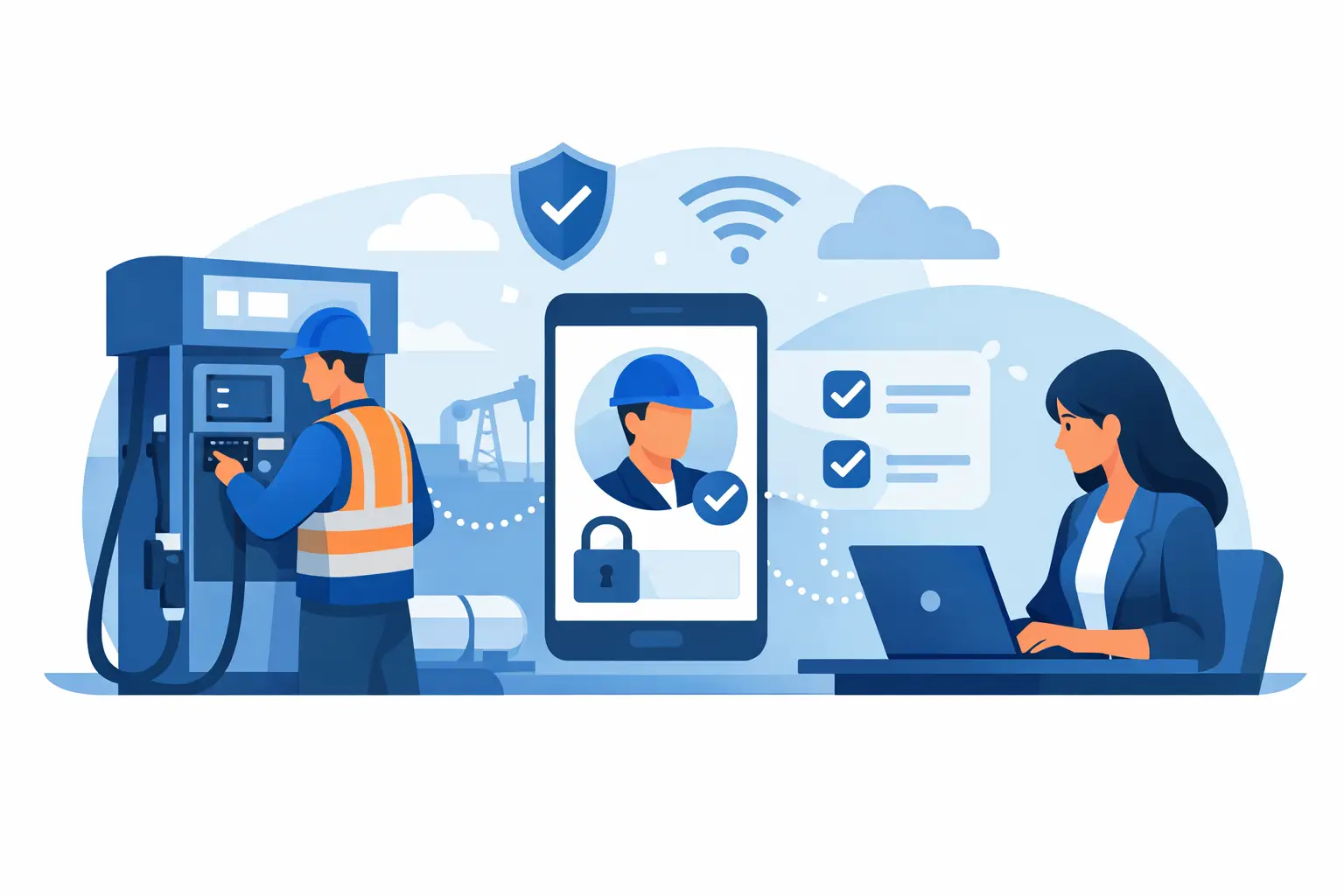
A modern system uses smartphone-based authorisation connected to the cloud. An administrator can add a user, define permissions, and make those permissions active without visiting the pump. The same applies when access needs to be suspended or removed. If someone changes role, loses privileges, or leaves the business, their authorisation can be withdrawn immediately.
That immediacy matters. It reduces the risk window between an operational change and a security change. For businesses dispensing high volumes of diesel, petrol, DEF, AdBlue, or other fluids, that gap can be expensive.
The building blocks of secure remote authorisation
To make remote authorisation work reliably, a few elements need to be in place.
User identity must be individual
Each user needs a unique profile. That profile should be linked to their name, role, and in many cases the vehicles or sites they are permitted to access. Individual identity is what turns a pump transaction into a defensible record.
Permissions should be specific
Not every authorised user should have the same rights. A depot manager may need access across several sites. A driver may only need permission for a single location or vehicle class. A contractor may need temporary access for a defined period. Good authorisation is granular enough to reflect operational reality.
The pump must stay locked until approval is confirmed
This is where weaker systems often fall short. If a site relies on open pumps, handwritten logs, or local override habits, remote user management loses much of its value. The pump should remain secured until an authorised identity is verified and the transaction can be captured.
Every dispense should be logged automatically
Remote authorisation is not just about saying yes or no. It should also trigger a reliable audit trail. Time, date, user, site, pump, product, and quantity all need to be captured automatically in a central dashboard. That is what supports reconciliation and loss investigation later.
How to authorise pump users remotely across multiple sites
Multi-site fleets tend to feel the pain first. One depot may be tightly managed while another is still relying on local workarounds. A mobile fuel lorry may be controlled one way, while a fixed tank uses another. That inconsistency makes access control harder to enforce and reporting harder to trust.
The practical answer is centralised administration. Instead of treating each site as its own silo, permissions should be managed in one cloud-based system. That allows an operations leader to standardise access rules, push changes quickly, and review activity across the entire network.
There is a trade-off here. Central control improves consistency, but only if the permission structure is well thought through. If every site has identical rules despite different operating conditions, you can create bottlenecks. A better approach is to standardise the framework while allowing site-specific permissions where needed. For example, airport fuelling, municipal fleets, and long-haul transport operations may all need different access windows, approval rules, and user groups.
Why smartphone authorisation has changed the model
Traditional pedestal-based systems were built around on-site hardware, local databases, and more maintenance points. They can still control access, but they tend to be slower to update, harder to scale, and more expensive to support across dispersed operations.
Smartphone-based authorisation changes the economics and the control model. The user carries the access method with them. Administrators manage permissions in the cloud. Updates happen centrally rather than through repeated site visits. For organisations that operate both fixed tanks and mobile fuelling assets, that creates a much cleaner way to keep policy consistent.
This is one reason systems such as FluidSecure have gained traction with operators who want tighter control without adding hardware complexity. The benefit is not just lower infrastructure cost. It is the ability to connect authorisation, transaction logging, and reporting into one operational process.
Common mistakes when setting up remote user authorisation
The most common mistake is treating authorisation as a one-time setup. It is not. Users, vehicles, suppliers, shifts, and locations change. If permissions are not reviewed regularly, you end up with access rights that no longer match the operation.
Another problem is giving broad permissions because it feels simpler. That approach usually works until an exception occurs, a disputed transaction appears, or fuel loss starts to creep up. Narrower permissions take more thought at the start, but they give you cleaner accountability later.
A third issue is separating access control from reporting. If authorisation happens in one system and transaction records live somewhere else, reconciliation becomes slower and disputes take longer to resolve. The stronger setup is one where authorisation and transaction capture are part of the same chain.
Finally, some businesses focus only on permanent staff. In reality, temporary drivers, third-party operators, and maintenance contractors often create the greatest permission risk because their access needs are time-limited and easy to overlook once the job is done.
What fleet managers should expect from the right system
If you are assessing how to authorise pump users remotely, do not stop at the access feature itself. Look at how the whole process holds up under real operating pressure.
Can a user be added or removed immediately? Can permissions be set by site, pump, vehicle, or role? Does the pump stay secured until the user is verified? Are transaction records visible in real time? Can finance and operations teams use the same data for reconciliation, exception review, and stock control?
Those questions matter because remote authorisation is only valuable when it reduces both loss and effort. A system that gives you remote access changes but still leaves manual reconciliation in place only solves half the problem. A better system gives management confidence that every dispense is authorised, recorded, and attributable without adding admin at the end of the week.
That is the standard worth aiming for. Not just remote access for its own sake, but tighter control over who can dispense, stronger proof of what happened, and fewer blind spots across fixed and mobile operations. When user permissions can be managed instantly and every litre is tied back to a verified person, pump security starts to support the wider business properly – operations run cleaner, finance gets clearer numbers, and losses have fewer places to hide.


Post a comment